ForgeGUI Alternatives for Roblox Creators
Start with why you are leaving. Five reasons creators look for a ForgeGUI alternative, and which tool actually answers each one, with plans and limits verified on September 2, 2026.
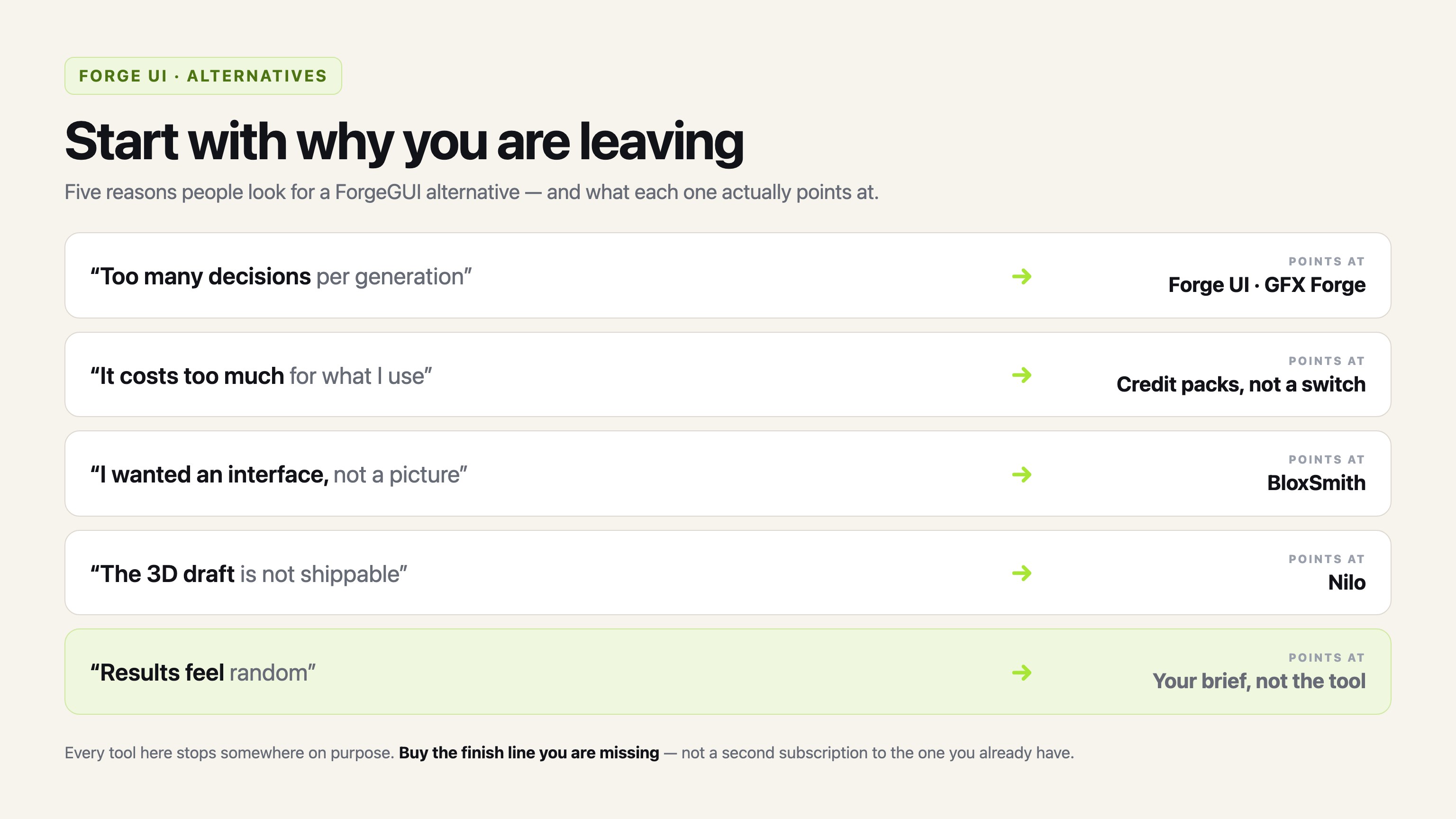
Nobody searches for an alternative in the abstract. Something specific annoyed you, and the tool you should switch to depends entirely on which thing it was.
That is why this comparison does not open with a feature grid. It opens with five reasons people give for leaving ForgeGUI, and it names the product that fixes each one — including the cases where switching will not help at all, because the thing you wanted was never on offer.
Verification note: every plan, price and product claim below was read from the public pages of each tool on September 2, 2026. Promotional pricing on this list moves week to week — two of Nilo's tiers were running at half price the day I checked — so treat the numbers as dated evidence rather than a standing quote.
Reason 1: "I do not want to pick a model every time"
This is the most common one, and it is the cleanest switch on the list.
ForgeGUI puts a menu of ten image engines on its control bar. On the review date it listed GPT Image 2, Seedream V5 Pro, Nano Banana Pro, Nano Banana 2, Qwen Image 3.0, Qwen Image 3.0 Pro, Grok Imagine V2, Krea V2 Turbo, Nano Banana 2 Lite, and Krea V2 Large.
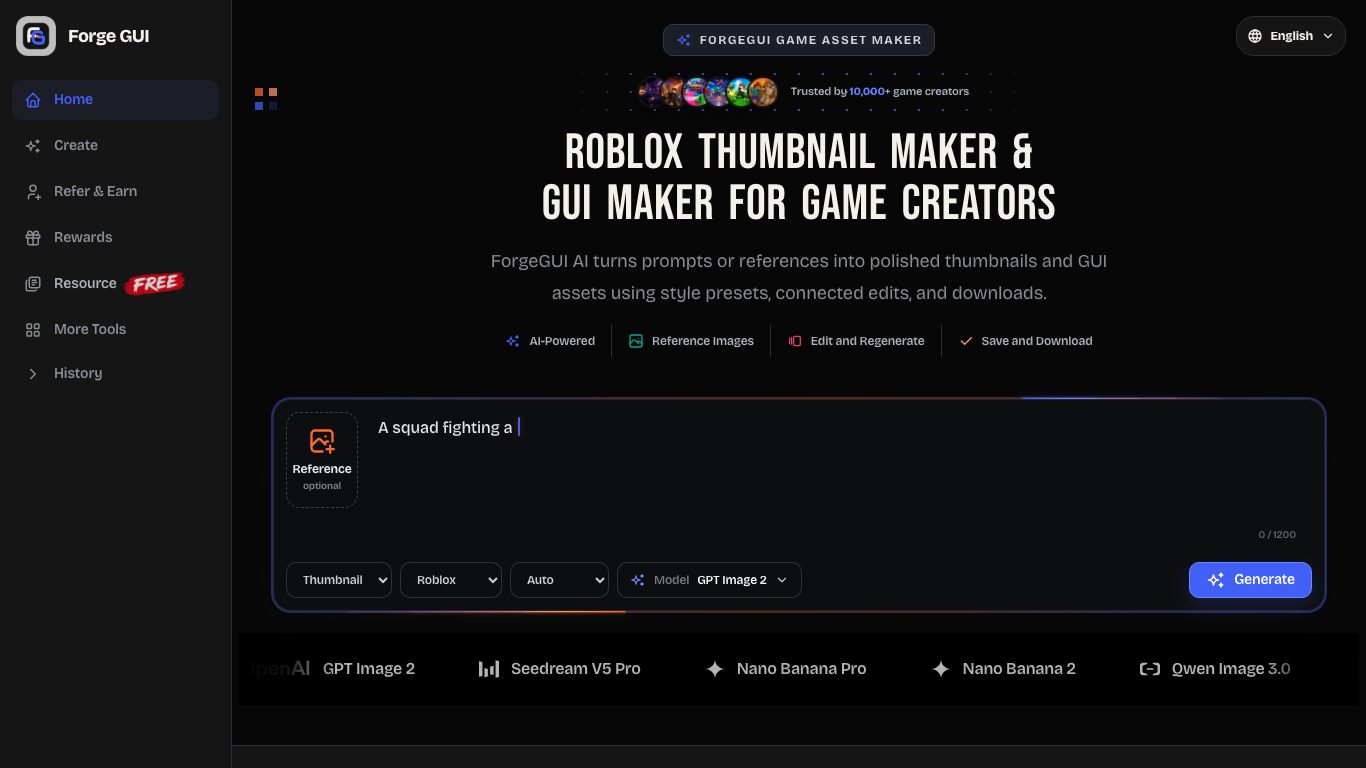
For some people that menu is the product. For others it is a decision they never wanted, taken at the exact moment they were trying to think about their game.
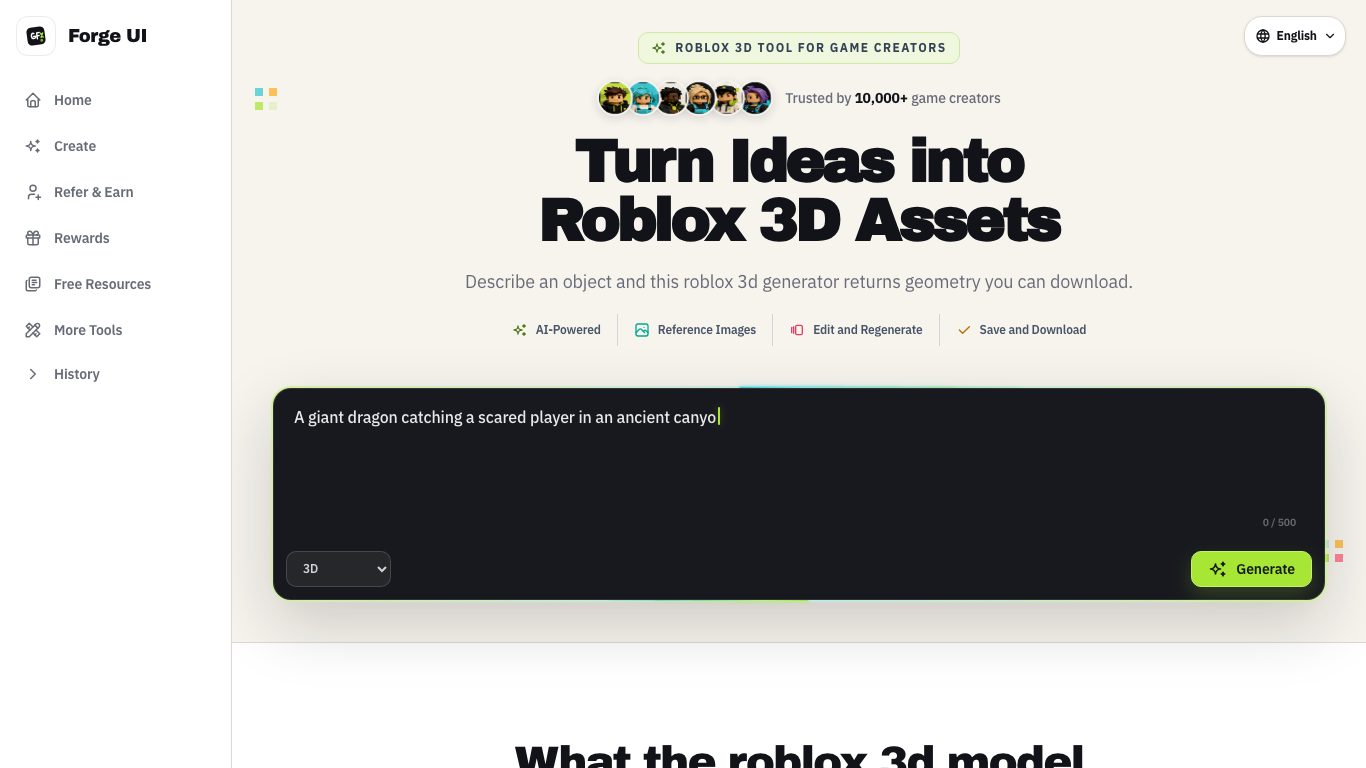
Forge UI is the same workflow with that control removed. Four asset types (thumbnail, GUI, avatar, 3D), four platform looks (Roblox, Minecraft, Unity, Fortnite), five style presets, and one tuned generation path. The bar asks what you are making and what it should feel like, and then it gets out of the way.
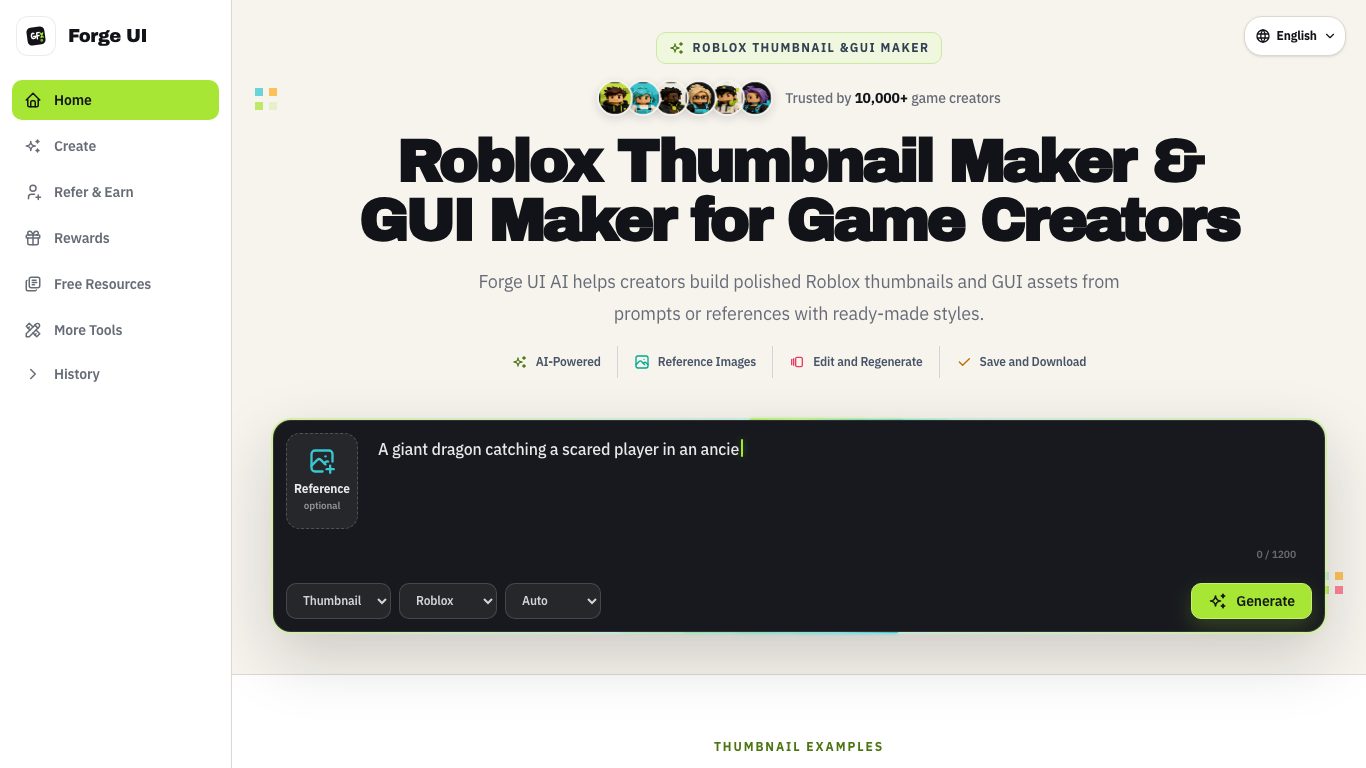
GFX Forge makes the same choice. All three are siblings in one family — I am not going to pretend they are unrelated products — so the honest framing is that this is a preference about the interface, not a gap in capability.
Reason 2: "It is too expensive for what I use"
Then the switch you want is probably not a different subscription.
All three sibling tools price the same way: 10 credits per image, tiers at $9.90, $19.90 and $49.90 a month on annual billing (charged $118.80, $238.80 and $598.80 for the year) for 1,000, 4,000 and 10,000 monthly credits. Monthly billing runs $14.90, $39.90 and $99.90.
If those tiers feel expensive, the useful move is arithmetic rather than shopping. The middle tier is 400 images a month. A creator who makes one thumbnail, three alternates and a couple of interface concepts per update is using perhaps 60 credits a week. On that pattern the smallest tier is already generous, and one-time credit packs — sold at $29.90, $49.90 and $99.90 for 2,000, 3,500 and 6,800 credits, which do not expire — beat a subscription outright.
The one genuinely different pricing model here belongs to BloxSmith, and it is different because it sells something else. More on that below.
Reason 3: "I asked for an interface and got a picture"
This is the complaint I have most sympathy for, and the only one on the list that needs a genuinely different tool.
The GUI generator in ForgeGUI — and in Forge UI, and in GFX Forge — draws the interface rather than building it. You get the arrangement: which panel sits where, how much room a row gets, how loudly the main button shouts, how a stat line reads inside a card. That is a design document with pictures. There is no Luau in it, no ScreenGui, and nothing that resizes.
BloxSmith is the answer when the interface has to exist. Its pitch is UI for Roblox Studio written from a plain-English description, with curated style presets, published into your Studio session.
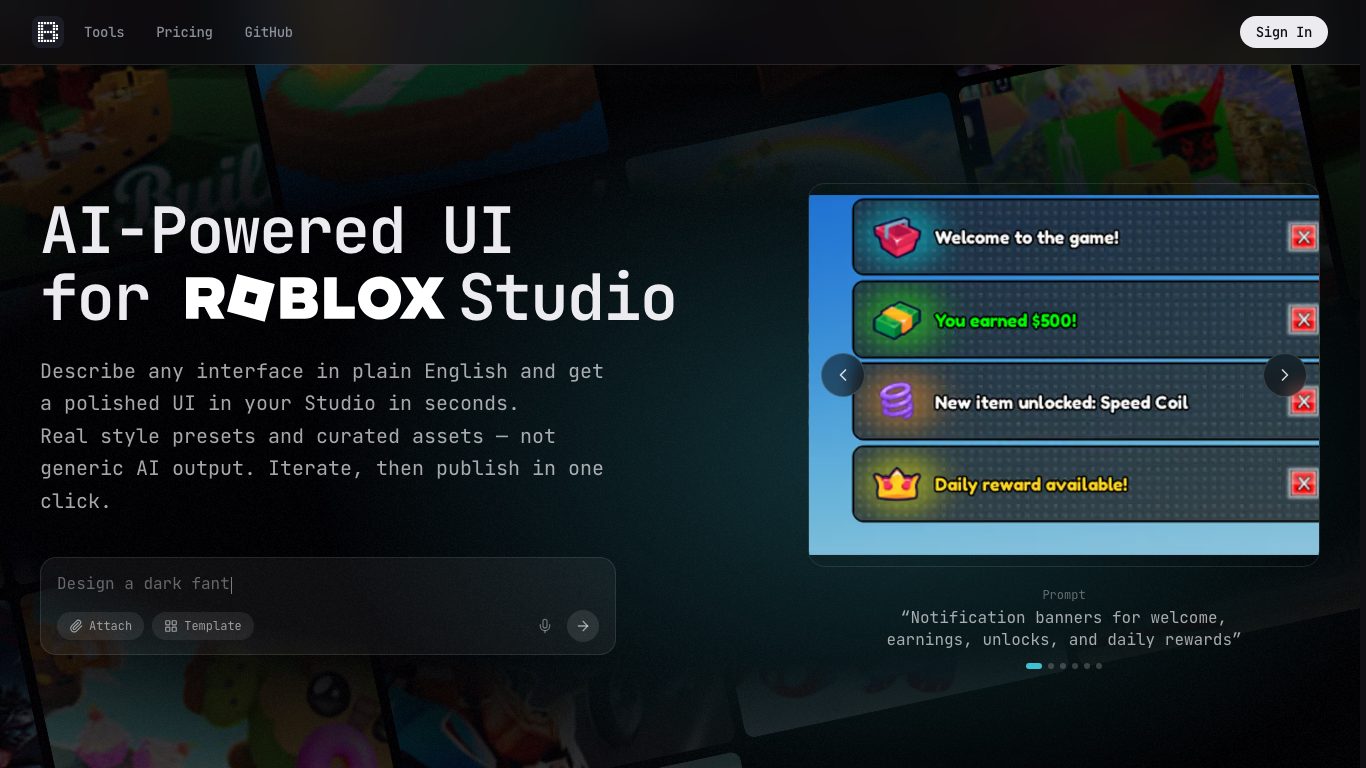
It also prices unlike anything else here: no subscription, $0.50 per frame for a first generation in preset styles, with follow-up messages in the same conversation billed by token. Its Adaptive mode, which studies your existing UI to match a game's style, ran at $27.00 per million output tokens and $5.40 per million input tokens. Credits are topped up in $5 to $50 chunks, never expire, and a first purchase over $10 carried a 25% bonus.
Note what that means in practice: $0.50 sounds steep beside a 5-cent image right up until you remember that one is a picture of a panel and the other is a panel. Then budget review time anyway — generated code deserves the same read-through you would give a contractor's first pass.
Reason 4: "The 3D output is not good enough to ship"
Correct, and it was never claimed to be.
A 3D task in the sibling tools costs 120 credits and runs in the background. Two artifacts come back: first a render of the object, then a mesh rebuilt from that render. If the task fails, the credits come back automatically. What it answers is whether a shape is worth building. What it does not answer is topology, rigging, animation or export.
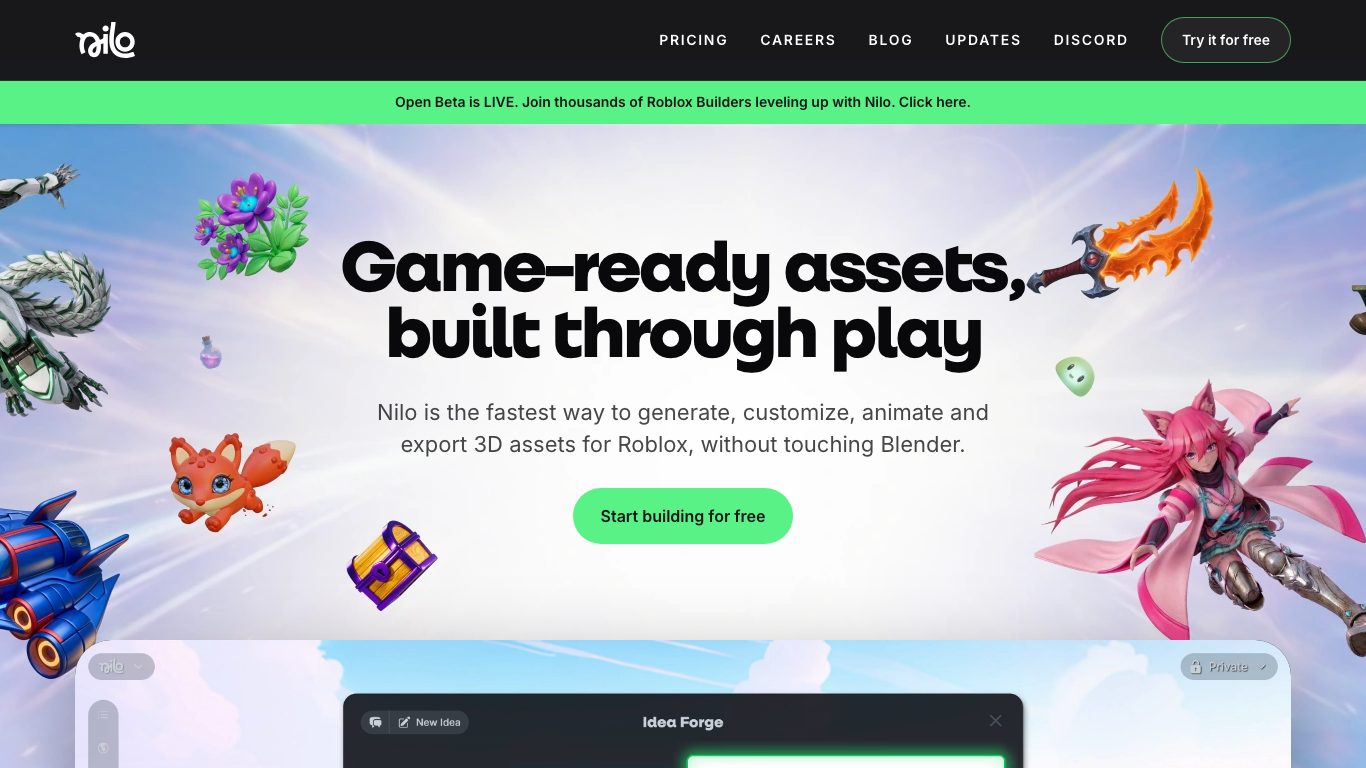
Nilo handles the second half of that job — generating, customising, animating and exporting 3D for Roblox without opening Blender. The site described itself as an open beta on the day I checked, and it sells access as a monthly Bits allowance:
| Tier | Price on the review date | Bits per month | Models |
|---|---|---|---|
| Starter | Free | 1,500 | Basic |
| Builder | $14.99/mo, halved from $29.99 | 3,000 | Premium |
| Pro | $37.49/mo, halved from $74.99 | 7,500 | Premium |
Among its backers the company names Supercell and a16z speedrun.
Switching entirely to Nilo because a draft was rough is an overcorrection, though. Sketching a prop for 120 credits and finishing the good ones in a production tool is cheaper than modelling every idea properly to find out which ideas were bad.
Reason 5: "I want something simpler"
Then you may already be at the right product with the wrong habits.
Two adjustments recover most of the frustration people blame on the tool:
- Say what is in the frame. "Cool horror thumbnail" gives the generator nothing to stage. "A player backing away from a flooded stairwell as red emergency lights flash" gives it a subject, a threat and a light source.
- Judge thumbnails at icon size. Shrink every candidate to 256 pixels before choosing. A frame that survives that test is a good thumbnail; the beautiful one that turns to mush is not.
If the interface itself is the friction, Forge UI and GFX Forge remove the model dropdown, and that is the entire simplification available. There is no version of this category that turns a prompt into a finished game.
The short version
| If your reason is | Switch to | What changes |
|---|---|---|
| Too many decisions per generation | Forge UI or GFX Forge | One tuned path, same credits and price |
| You like driving the engine | Stay on ForgeGUI | Ten selectable models |
| You need working Studio UI | BloxSmith | Generated interface, priced per frame |
| 3D has to ship, not just exist | Nilo | Rigging, animation, export |
| Results feel random | None of them | Sharper briefs, icon-size testing |
Frequently asked questions
Is there a free way to compare these?
Partly. The sibling tools give you a free account with daily rewards, which is enough to judge the image side. Nilo has a free Starter tier. BloxSmith is pay-as-you-go, so the smallest top-up buys a real test.
Which alternative is closest to ForgeGUI?
Forge UI, then GFX Forge. The asset types match, the platform and style presets match, images cost the same ten credits, a 3D task costs the same hundred and twenty, and the tiers are priced identically. Only the engine menu differs.
Do any of these publish directly to my Roblox game?
Only BloxSmith puts anything into Studio, and you still review and publish it. The image tools hand you files.
Are any of them made by Roblox?
No. All four are independent products, and everything they generate still has to clear the platform's moderation before players ever see it.
What I would actually do
Write down the sentence that made you open a search tab. If it was about dropdowns or decision fatigue, Forge UI is a same-day switch with nothing to relearn. If it was about code, budget for BloxSmith. If it was about 3D finishing, budget for Nilo. And if it was about results being unpredictable, the fix is in the brief, not the invoice.