ForgeGUI AI Features: A 2026 Honest Review for Roblox
Six claims ForgeGUI makes on its own product page, checked one at a time in 2026: the model menu, reference editing, platform presets, downloads, the 3D task, and what the credits really buy.
A product page is an argument. This review takes ForgeGUI's argument apart claim by claim and asks a single question of each one: is that true, and is it useful?
Those are different questions. Several claims here are perfectly true and change nothing about your week. One is true and worth the subscription on its own. And one is true in a way that regularly disappoints people who did not read it carefully.
Verification note: the claims below are taken from ForgeGUI's public product pages as they stood on September 2, 2026. Generations shown were run through the same workflow in the Forge UI workspace, which shares the asset types, presets and credit costs; where the two differ, I say so.
Claim 1: "Turns prompts or references into polished thumbnails"
True, and this is the one that pays for the tool.
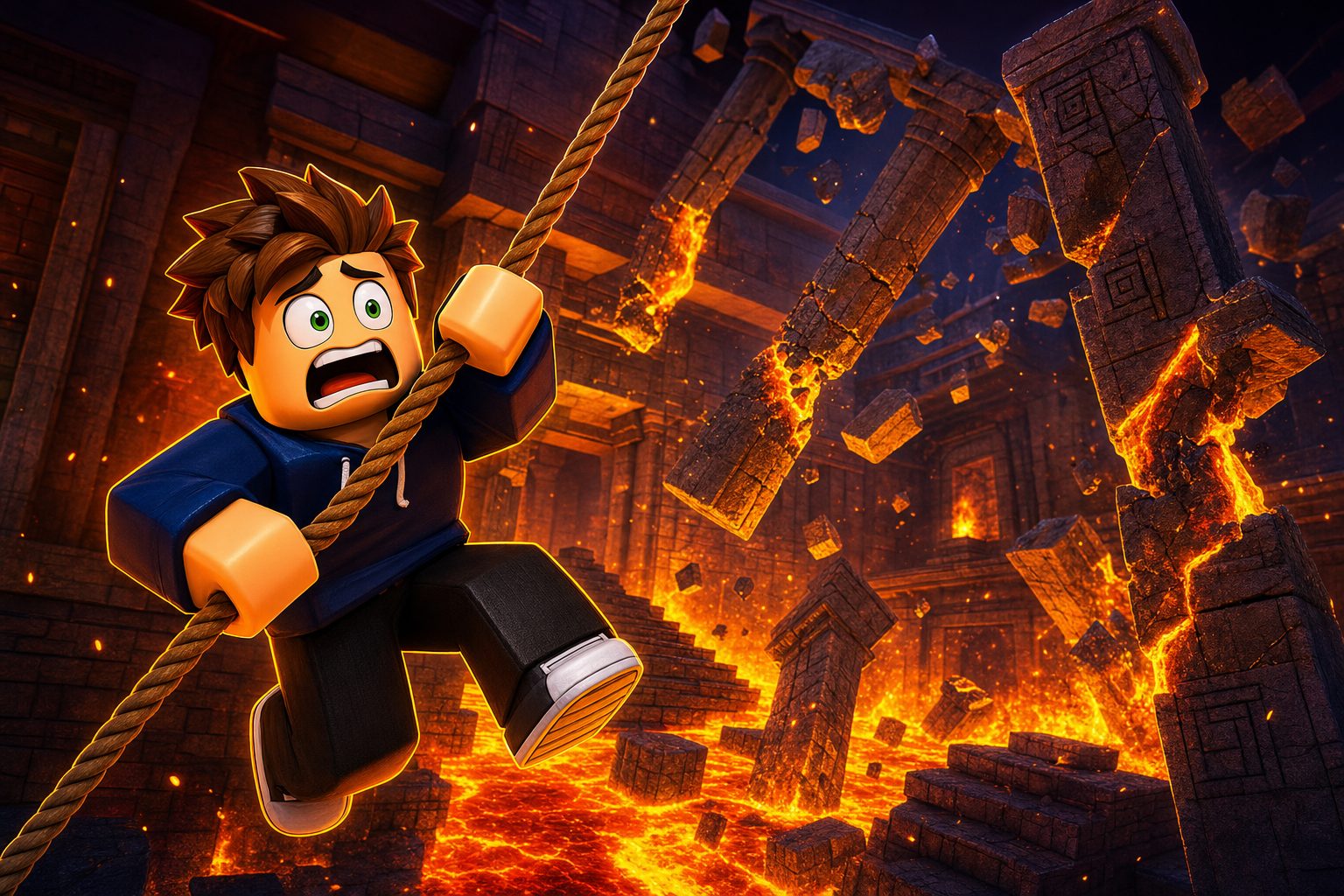
A thumbnail has one job: say what the game is while shrunk to a tile on somebody's phone. The costly part was never the drawing. It was the four directions you rejected before finding the one that worked.
The frame above cost 10 credits and roughly a minute. Its brief named someone to watch, something happening to them, something to be afraid of, and where the light came from. Getting those four into a sentence is most of the skill. Briefs that describe a feeling instead of a picture are why people accuse the model of being vague.
What the claim does not include, and should not: whether the image earns clicks. The tool makes it cheap to have five candidates. Choosing well is still yours.
Claim 2: "Ten selectable image models"
True, and it matters less than the marketing weight suggests.
The menu on the review date held GPT Image 2, Seedream V5 Pro, Nano Banana Pro, Nano Banana 2, Qwen Image 3.0, Qwen Image 3.0 Pro, Grok Imagine V2, Krea V2 Turbo, Nano Banana 2 Lite, and Krea V2 Large.
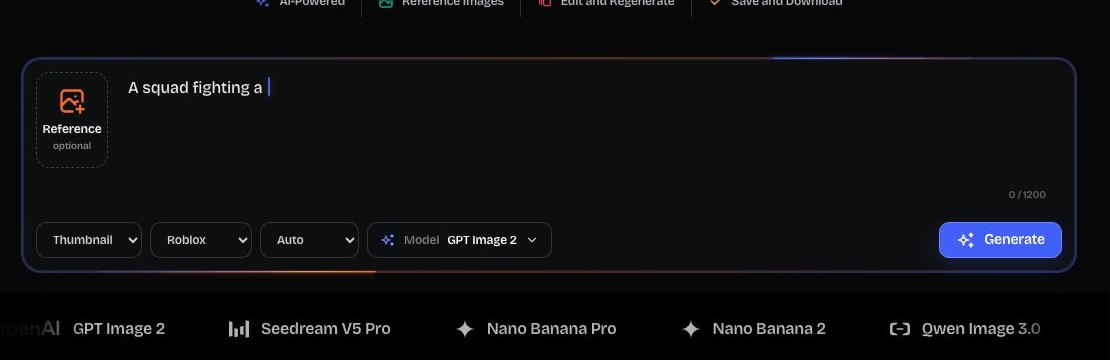
Sending the same brief to a second engine earns its place when a style direction could reasonably go two ways and you want both readings side by side. It earns nothing when the first attempt failed for lack of detail: a different engine will simply misread the thin sentence in a new direction.
This is also the single feature that separates ForgeGUI from its siblings. Forge UI and GFX Forge run one tuned path and do not show the menu at all, at the same credit cost and the same price. Which of those you prefer is a question about how you like to work, not about output quality.
Claim 3: "Reference images" and "edit and regenerate"
True, and underrated.
Dropping in a reference and continuing to edit the same result is what keeps a series of assets looking like one game rather than five. For a live game with a recurring visual identity, this is more valuable than any single generation.
The practical limit is that edits are still conversational. You are asking for a new render influenced by the last one, not moving a layer in a file. When you need pixel-exact control, export and open an editor.
Claim 4: "Platform styles: Roblox, Minecraft, Unity, Fortnite"
True, and it is the reason to use a game-asset tool at all.
Ask a general image model for "a Roblox-style character" and you get an impression assembled from whatever it has seen. Selecting the platform here sets proportions, surface language and staging before your words are added — and it is the same control that gives you a voxel read under Minecraft or a low-poly one under Unity.
Alongside it sit five style presets: Auto, Horror, Cartoony, Anime and Survival. Fewer than a general tool's endless list, which is the point: each one is tuned for the platform rather than borrowed from a stock-art taxonomy.
Claim 5: "GUI generation"
True — and this is the claim that misleads people.
The GUI generator makes an image of an interface. Here is one, from a brief asking for a quest log with progress bars and a claim button:
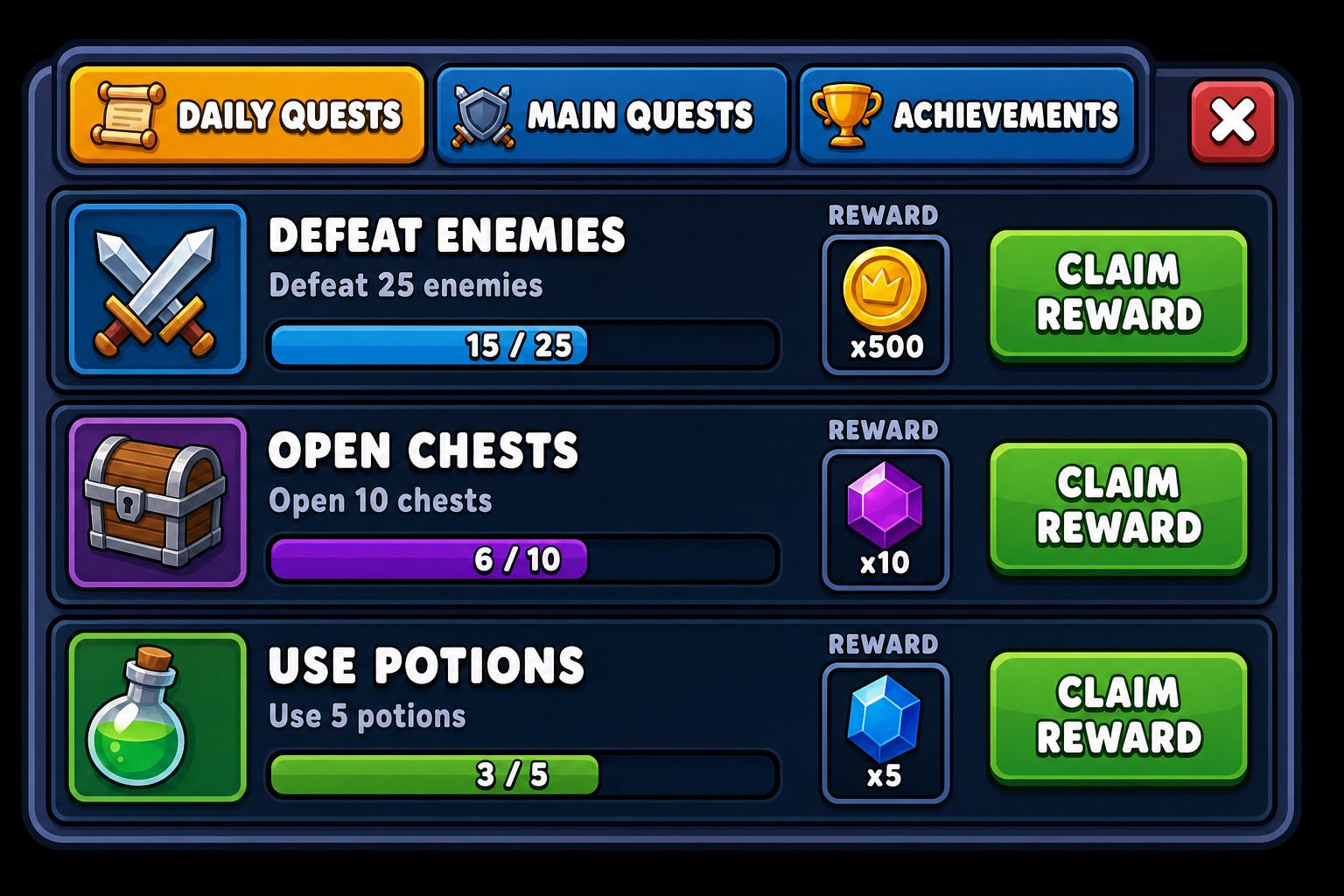
As a design artifact this is excellent. It settles hierarchy, spacing and how a row reads with a progress bar in it. Note that it also made a decision I did not ask for — a claim button on every row instead of one shared action — and seeing that choice rendered is precisely what makes it worth arguing about before anybody writes code.
As a build artifact it does not exist. No Luau, no ScreenGui, no anchor points, no phone scaling, no gamepad focus order — and the text inside the image is decoration, not strings you can ship. If your next step is "put this in the game", you want a code-generating tool such as BloxSmith, not a bigger plan here.
Nothing on the product page promises otherwise. But "GUI maker" reads like "UI builder" when you are skimming, and that gap causes most of the disappointment I see discussed.
Claim 6: "3D generation"
True, with an honest price attached.
A 3D task is billed at 120 credits rather than 10 and continues on the server after you shut the tab. It hands back a render of the object and a mesh rebuilt from that render, and it returns the credits by itself when it fails.
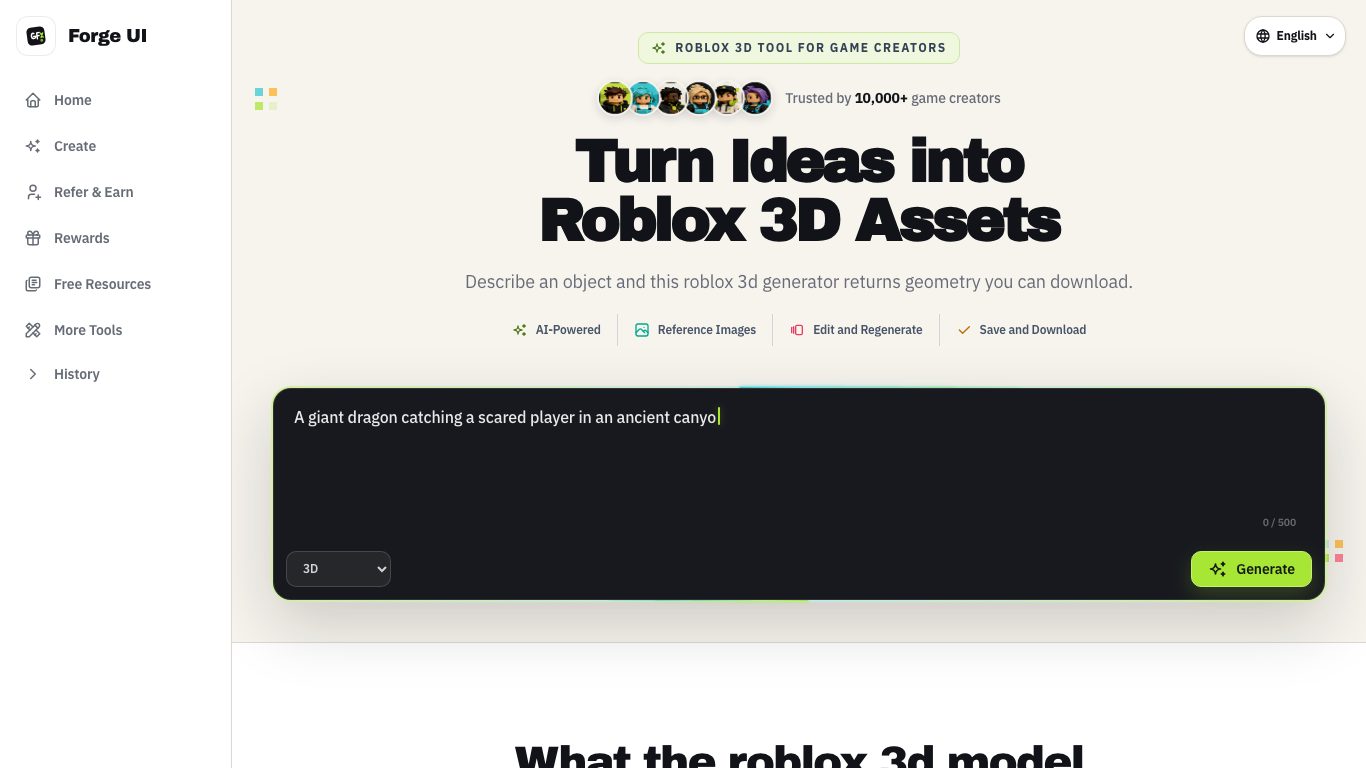
That refund line is what makes the feature usable rather than intimidating: a bad prompt costs you the waiting, not the balance. What the task will not do is hand you a shippable asset. Topology, optimisation, rigging and the Studio import stay on your side, and if 3D finishing is the actual job, a specialist such as Nilo is the better purchase.
What the credits buy, in a normal week
Images are billed at 10 credits each. The tiers, as published on the review date:
| Tier | Annual billing | Monthly billing | Credits per month |
|---|---|---|---|
| Starter | $118.80/yr ($9.90/mo) | $14.90/mo | 1,000 |
| Pro | $238.80/yr ($19.90/mo) | $39.90/mo | 4,000 |
| Studio | $598.80/yr ($49.90/mo) | $99.90/mo | 10,000 |
Now measure that against work instead of arithmetic. Say an update needs one headline image, a few alternates to test against it, a pair of screen mockups and one prop sketched in 3D. That is around 60 credits of images and a single 120-credit task. The entry tier swallows several such weeks, so the larger tiers are buying throughput and nothing else — the pictures are identical.
What no claim on the page covers
- Publishing anything to Roblox.
- Passing Roblox moderation.
- Rigged or animated characters.
- Reliable lettering inside images.
- Any promise about click-through.
Frequently asked questions
Does the model menu make ForgeGUI better than its siblings?
It makes it different. Same asset types, same presets, same credits, same price; one extra control. If you want that control, take it. If you would rather have one fewer decision, Forge UI and GFX Forge are the same product without it.
Can the GUI generator export a working interface?
No. It returns an image. BloxSmith is the tool that puts a real interface into Studio, and its output still deserves a code review.
Is the 3D output usable in a game?
As a draft to inspect and hand off, yes. As a finished asset, no.
Do I need to pay to evaluate it?
No. A free account plus daily rewards covers enough image runs to judge the workflow before any card appears.
Verdict
Six claims, six honest answers: the thumbnail generator earns its keep, the reference and editing loop keeps a game visually coherent, the platform presets are the real technical advantage, the model menu is a preference, the GUI generator is a spec tool people mistake for a build tool, and the 3D path is a fairly priced draft.
Nothing here is oversold. The disappointment happens when a buyer supplies a promise the page never made — and the fix for that is thirty seconds of reading, not a different subscription.
Prefer this workflow with one less dropdown on the bar? Start a generation on a free account, or read what the 3D task returns before you spend 120 credits on one.