ForgeGUI Roblox: A 2026 Full Review
A week of real Roblox art work run through ForgeGUI: three games, four asset types, a scorecard of what shipped, what needed a human, and what the credits cost.
The honest test of a tool like this is not whether it can make one impressive picture. It is whether it survives a normal week — the week where three different games want three different things and none of the briefs are tidy.
So that is the review. Five days, three games, four asset types, and a scorecard at the end recording what actually shipped versus what still needed a person.
Verification note: ForgeGUI's public product and pricing pages were read on September 2, 2026, and the generations described here were run through the same asset types, platform presets and credit costs in the Forge UI workspace. Where the two products differ — ForgeGUI carries a model selector, Forge UI does not — I flag it. Promotional prices change; the date is the evidence.
The week
Three jobs landed at once, which is the ordinary state of things:
- A survival climber game needed a new store thumbnail for an update.
- A deep-sea salvage game needed a character direction before commissioning art.
- An arcade tycoon needed a prop mocked up well enough to argue about.
Different games, different deliverables, one tool. Here is how each one went.
Monday: the thumbnail that had to survive an icon
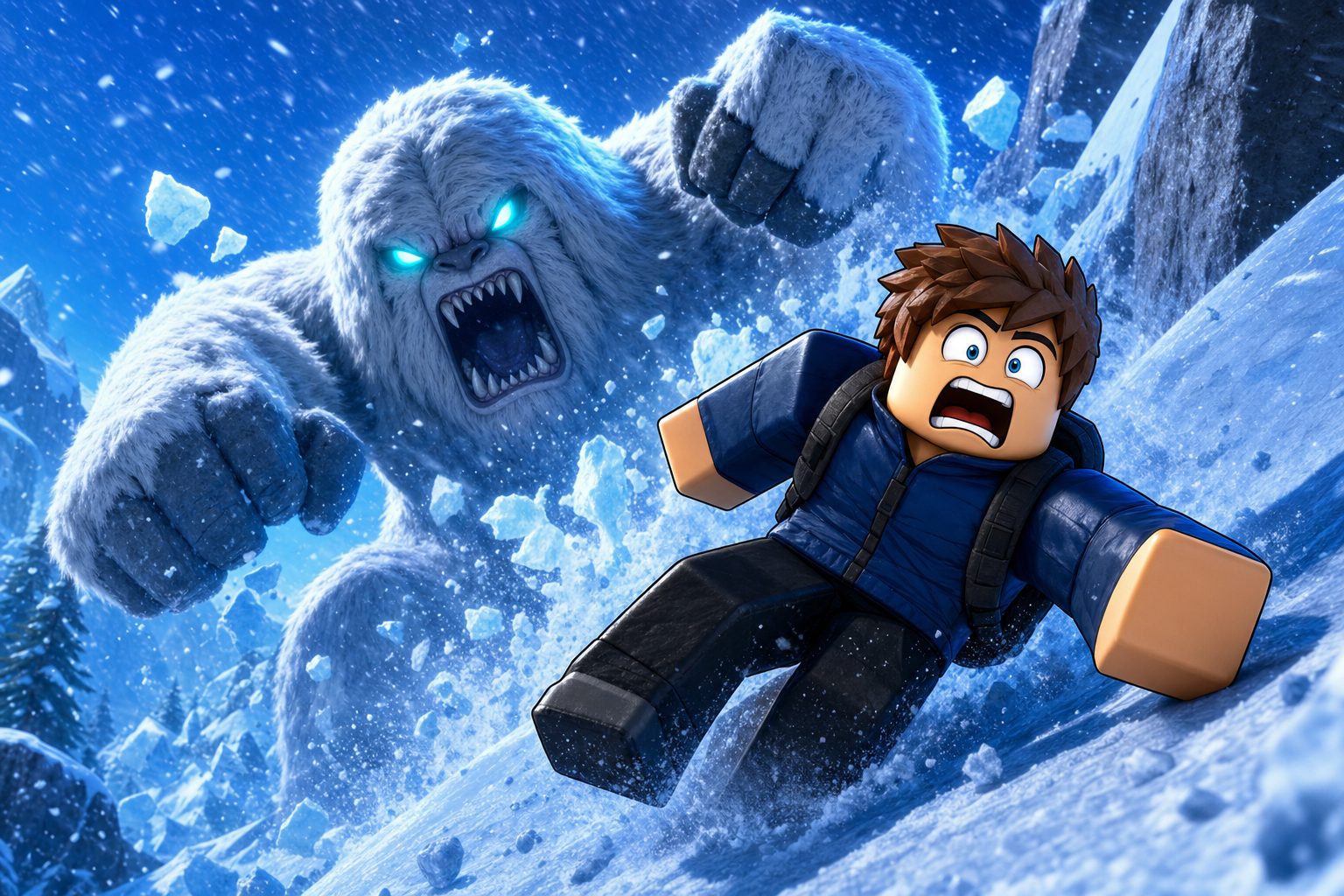
Brief: a blocky climber sliding down an icy ridge in a blizzard while a huge yeti smashes through the snow behind. Platform: Roblox. Style preset: Cartoony.
This is the work the tool is best at. The brief had a subject, a direction of motion, a threat and a colour temperature, and the result needed no argument.
The part worth copying is what I did next: I shrank it to 256 pixels and looked again. The climber and the yeti both survive that test, which is the only test that decides whether a Roblox thumbnail works. Plenty of gorgeous frames fail it, and generating five candidates cheaply is precisely what lets you throw four away without flinching.
Time saved: most of a day. Left to do: a crop variant for the square icon slot.
Tuesday: a character nobody had to describe twice
Brief: a deep-sea salvage diver in a battered brass helmet with a glowing lamp, canvas suit, weighted boots, rope coils on the belt.
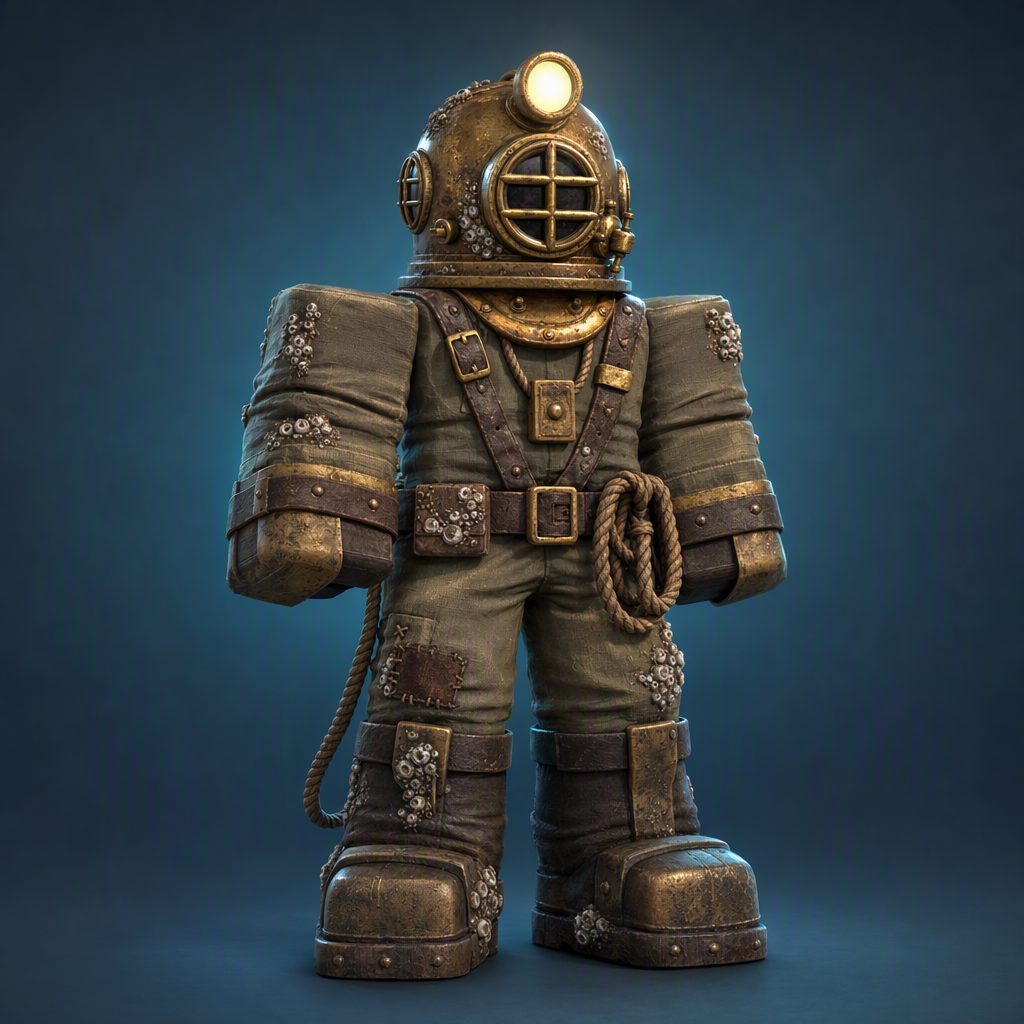
The value here is not the picture; it is the end of a circular conversation. Two people had been saying "diver" and picturing different decades. One image ended that in a minute, and the commission brief afterwards was three lines instead of three paragraphs.
The limit is absolute and worth restating: this is a character concept, not a Roblox avatar. There is no rig, no bundle, no catalog item, nothing wearable. Anyone expecting to equip this is going to have a bad afternoon.
Time saved: a meeting. Left to do: everything about actually building the character.
Wednesday: the interface argument
The arcade tycoon needed a shop panel, so I ran the GUI generator and got what it always gives you — a specification, rendered as a picture.
That is genuinely useful. It fixes hierarchy, spacing, where currency sits, and how much visual weight the primary action gets, which is most of what a layout review argues about. It is also, unambiguously, not an interface: no Luau, no ScreenGui, no scaling rules, and the words inside the panel are drawn, not strings.
I have watched people buy this expecting an export. The page never promises one. If code is the deliverable, that is a different tool and a different budget.
Time saved: a review cycle. Left to do: the entire build.
Thursday: 120 credits on a prop
The 3D path is priced and behaves differently from everything else here: 120 credits instead of 10, a background task rather than an instant result, and two artifacts at the end — a reference render, then geometry reconstructed from it.
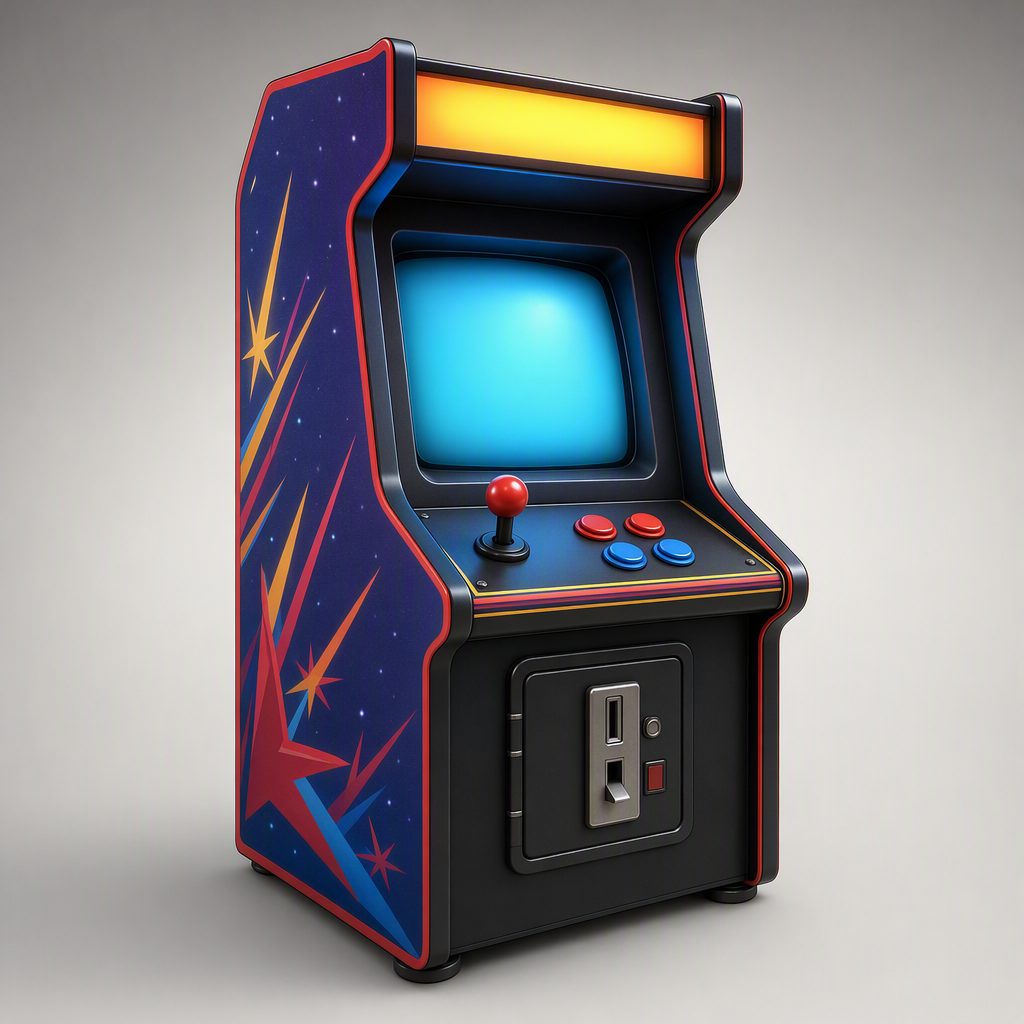
What that bought: a shape three people could look at and agree on, and a volume a modeller could rebuild against instead of interpreting a paragraph. What it did not buy: clean topology, an optimised mesh, or an import into Studio.
The detail that makes the price fair is the automatic refund on a failed task. Experimenting with a rough prompt costs you the wait rather than the balance, so the feature is safe to try on a maybe.
Time saved: a modelling round nobody needed to do. Left to do: the modelling round that was actually needed.
Friday: the scorecard
| Asset | Shipped as generated? | Human work after |
|---|---|---|
| Store thumbnail | Yes, after an icon-size check | Square crop variant |
| Character concept | As a concept, yes | Rig, bundle, catalog items |
| Shop interface | As a spec, yes | Full implementation in Studio |
| 3D prop | As a draft, yes | Retopology, optimisation, import |
Three of four deliverables were finished artifacts for the purpose they were requested. The fourth was a starting point that saved a modelling round. Nothing in that table replaced a developer, and nothing needed one to get to a decision.
What the week cost
Every image is 10 credits; the 3D task is 120. Between the four keepers and the candidates I discarded, the week ran a little over 300 credits.
The smallest subscription allows 1,000 credits a month, so a week serving three games fitted inside the entry tier with room left over. That tier bills $14.90 monthly, or $118.80 once for a year. Above it sit 4,000 credits a month for $39.90 (or $238.80 annually) and 10,000 for $99.90 (or $598.80 annually).
Irregular work does not need a subscription at all: the one-time packs sell 2,000 credits for $29.90, 3,500 for $49.90 and 6,800 for $99.90, and none of those credits expire.
Why not a general image tool?
Two reasons, and neither is image quality.
The first is the platform control. "Roblox" here is not a word in a prompt; it is a setting that fixes proportions, surfaces and staging before your sentence is read. The second is continuity: asset type, references, history and follow-up edits live in one workspace, so three assets for one game stay recognisably from that game without re-explaining it each time.
Where Forge UI fits
Forge UI is a sibling product running the identical workflow: the same four asset types, the same four platform presets, five styles, ten credits an image, a hundred and twenty for a 3D task, and matching tiers. Nothing in this review would have come out differently in the other workspace.
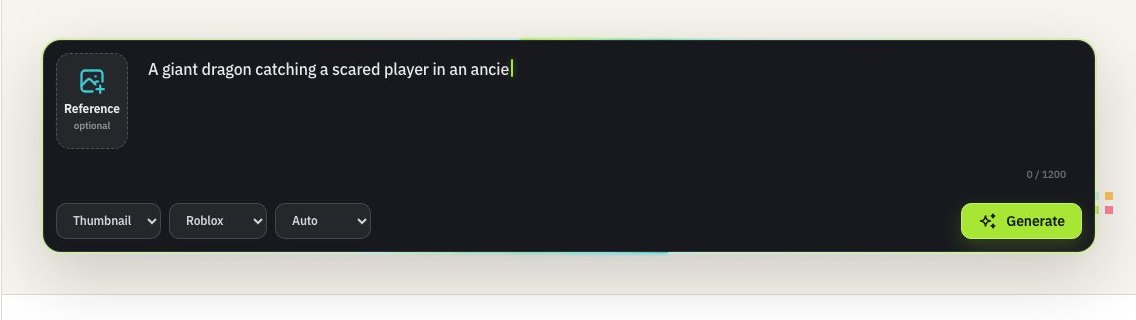
The difference is one control: ForgeGUI shows a menu of ten image engines and Forge UI does not. If comparing engines on the same brief appeals to you, that menu is a real feature. If a week like the one above already has enough decisions in it, the shorter bar is the better desk. Same output, same cost, fewer dropdowns.
Limits worth knowing before you subscribe
- Nothing here publishes to Roblox, and nothing clears moderation for you.
- Interfaces come back as pictures, never as code.
- Characters come back as concepts, never as rigs.
- 3D comes back as a draft, never as a shipped asset.
- Lettering inside generated images is unreliable — set real copy in Studio.
- No tool decides whether your thumbnail earns clicks.
FAQ
Is it worth a subscription for one game?
If you ship updates regularly, the entry tier covers a month several times over. For occasional work, the one-time credit packs are the better shape.
Why not just use ChatGPT or Midjourney?
Three things: the platform control that fixes proportions before your prompt is read, templates built per asset type, and a workspace that remembers your references across a series. General tools are built to make one attractive picture; this is built to make the tenth one match the first.
Does the 3D generator import into Studio for me?
No. You download geometry and run the import yourself. Nothing writes into your experience.
Can I sell games using these assets?
Paid tiers advertise watermark-free output in a private, commercial-use workflow. Roblox's own rules still apply to whatever you upload.
Is ForgeGUI made by Roblox?
No. It is an independent tool for Roblox creators.
Verdict
Across a normal week, ForgeGUI removed a day of thumbnail work, ended two conversations that would otherwise have eaten meetings, and turned one modelling question into a 120-credit answer. It did not write code, rig a character, or ship anything — and it never said it would.
Judge it on the handoffs it completes, not on the ones you hoped it would. On that measure it is a good buy, and the version of it you should use depends only on whether you want an engine menu on the bar.
Want a week like this one with a shorter control bar? A free account is enough to try the workspace, and the 3D page explains the 120-credit task if that is the line you are still weighing.